
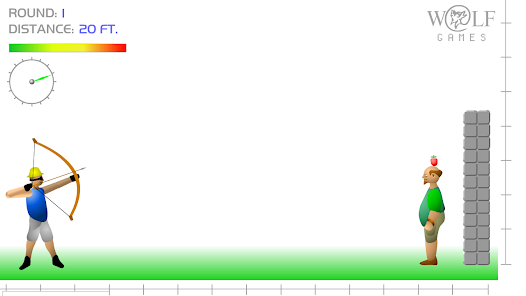
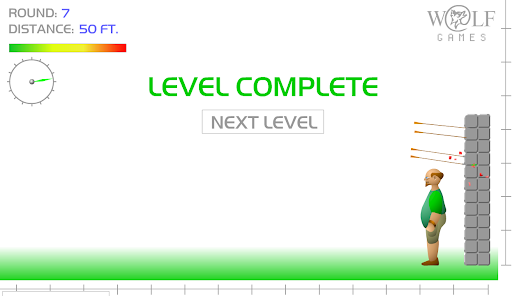
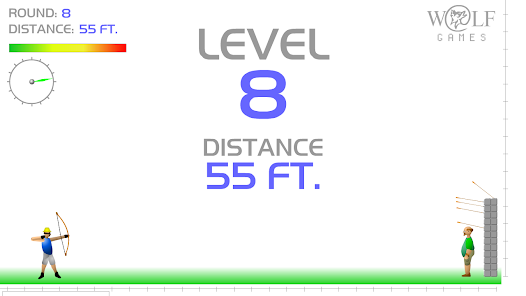

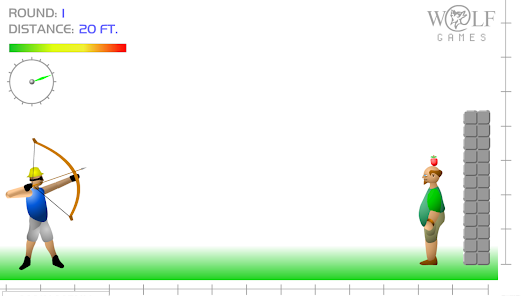
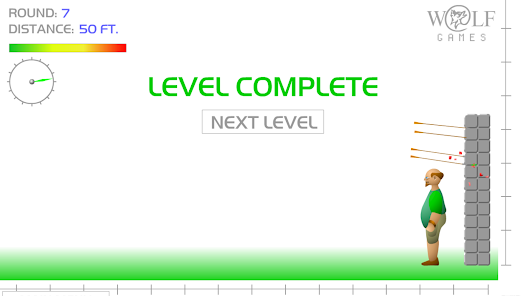
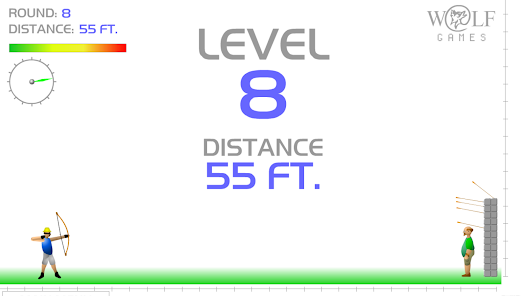

As a casual gamer, I often find myself looking for quick and entertaining ways to unwind after a long day at work. Apple Shooter is the perfect solution. One evening, after a stressful day, I opened the app and immediately felt a sense of excitement. The game allows for a few quick rounds of apple shooting, which can easily fit into my schedule. Whether I'm waiting for a meeting to start or taking a break during lunch, this app seamlessly integrates into my daily routine, providing instant entertainment and a quick mental escape.
The user interface of Apple Shooter is clean and intuitive, making it easy to navigate through the various game modes and levels. Upon launching the app, I found the main menu straightforward, with clear buttons for starting a game or checking achievements. The feature workflow is smooth; I could easily customize my character and select the level of difficulty I wanted. The game performance is impressive, with responsive controls that allow for precise aiming and shooting. After playing for several hours, I felt a thrill with each successful shot, and the satisfaction of improving my score kept me coming back for more.
Apple Shooter is available for free, which is a significant advantage for casual gamers like myself. While it does offer in-app purchases for additional character customization and power-ups, I found that the free version provides more than enough content for enjoyable gameplay. This model ensures that players can have fun without feeling pressured to spend money.
The developers of Apple Shooter are proactive in providing updates to enhance gameplay and fix any bugs. I noticed that after a recent update, the game introduced new levels and improved the physics engine, significantly enhancing the overall experience. Support is readily available through the app store, where users can leave feedback or report issues. I appreciate that the developers take user feedback seriously, as I've seen improvements based on community suggestions.
When it comes to security and privacy, Apple Shooter takes important measures to protect its users. The app is available on official platforms like the App Store, ensuring it has undergone necessary security checks. Upon downloading, I was required to create a basic account, which only asked for minimal personal data, such as an email address. This is reassuring for users concerned about privacy.
Additionally, Apple Shooter does display ads, but they are not overly intrusive, allowing for a smooth gameplay experience. The app also has a transparent privacy policy, detailing how user data is handled and assuring users that it does not engage in excessive tracking behavior. This level of transparency is crucial for American users who prioritize data protection.
easy fun game to play
Review Source: Google Play store public user reviews.
Apple Shooter may collect certain data for gameplay purposes and to improve user experience, but it typically does not collect sensitive personal information unless specified in its privacy policy.
Yes, Apple Shooter offers a free version that allows players to enjoy the game with optional in-app purchases for additional features or content.
Apple Shooter can be played offline, but some features, such as leaderboards or multiplayer modes, may require an internet connection.
You can contact support or send feedback for Apple Shooter through the app's settings menu or by visiting the official website, where you can find contact information and support resources.
You can manage or cancel your subscription through your device's app store settings, where you can find subscription options related to Apple Shooter.
Yes, you can access customer service directly through the app by navigating to the support section for help.
Customer numbers are unique and cannot be changed. If you have concerns, please contact customer service for further assistance.
You can reach our customer service by visiting the support section on our website or calling the provided customer service number.
To activate your account, follow the link in the activation email sent to you after registration. If you didn't receive it, check your spam folder or contact customer service.
Simply download the app or visit the website, then enter your login credentials. If you encounter issues, contact customer service for support.





















 Home
 Apps
 Games
 Windows
 Topics
 Terms of Service
 Privacy & Policy
 About Us