


Advertiser and Editorial Disclosures

Bluey: Let's Play!

Bluey: Let's Play!

4.1
Rating
/ Downloads
2024.12.0 Version
Advertisement(PageType: detail | Position: pre3 )
Screenshot 1
Screenshot 2
Screenshot 3
Screenshot 4
Screenshot 5
Screenshot 6
Screenshot 7
Screenshot 8
Screenshot 9

Information

  • Category: Casual
  • Price: 0
  • Age Rating: Everyone
  • Available on: /
  • Developer: Budge Studios
  • Updated on: Jun 26, 2026
Advertisement(PageType: detail | Position: pre4 )
Pros
  • Encourages creativity through imaginative play and storytelling.
  • Promotes social skills by facilitating cooperative gameplay with friends.
  • Features beloved characters that resonate with young audiences.
  • Offers educational elements subtly woven into fun activities.
  • Easy to learn, making it accessible for children of all ages.
Cons
  • Limited gameplay variety may lead to repetitive experiences.
  • Some features require in-app purchases for full access.
  • The game's pace can sometimes feel slow for active players.
Advertisement(PageType: detail | Position: pre5 )
Advertisement(PageType: detail | Position: pre7 )

User Reviews

(225K Reviews)
  • Laima Magele
    2026/07/05

    good 😀😀😀😀😀😀😀😀😀

  • Azakhiwe Adonisi
    2026/07/04

    I love the game so much you should download the game

  • Elvin Dablo kqIO
    2026/07/04

    it's ok for kids andfun

  • Amanda Morrison
    2026/07/05

    I do not like how you have to unlock the places you can choose from

  • Nick Passalacqua
    2026/07/04

    Hard to do lots of things when you don’t subscribe and buy others.

Review Source: Google Play store public user reviews.

FAQ

Can I submit suggestions or feedback to Bluey: Let's Play!?

Yes, users can submit suggestions or feedback through the app's support section or via the official website, where developers welcome input from the community.

Does Bluey: Let's Play! collect my personal data?

Bluey: Let's Play! adheres to privacy standards and does not collect personal data from users unless explicitly provided for account management or customer support.

Does Bluey: Let's Play! support offline use?

Yes, certain features of Bluey: Let's Play! can be accessed offline, allowing children to enjoy the app without an internet connection.

How do I cancel my Bluey: Let's Play! subscription?

To cancel your subscription, you can go to your device's settings or the app store settings, where you can manage your subscriptions and select the option to cancel.

How much does a subscription to Bluey: Let's Play! cost?

The subscription cost for Bluey: Let's Play! may vary, so it's best to check the app store for the most current pricing and available plans.

How to use Bluey: Let's Play!

Can I change my customer number after creating my account?

Unfortunately, customer numbers cannot be changed. If you need further assistance, please contact customer service.

Can I use my customer number for support inquiries?

Yes, please include your customer number in any support inquiries to help us assist you more efficiently.

How can I contact customer service for help with Bluey: Let's Play!?

You can reach customer service by visiting our support page and submitting a request. We'll respond as soon as possible.

How do I activate my account for Bluey: Let's Play!?

To activate your account, click on the activation link sent to your email after registration. Follow the instructions provided.

How do I log in to my Bluey: Let's Play! account?

To log in, open the app and enter your registered email and password. If you have trouble, try resetting your password.


What's New

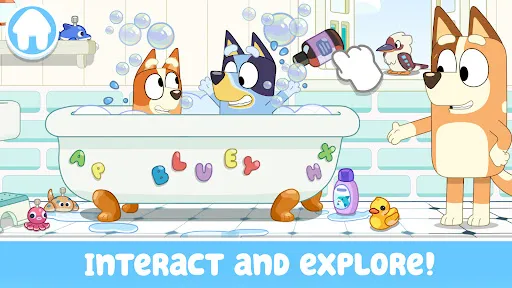
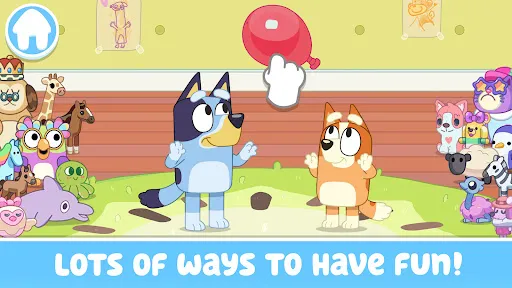
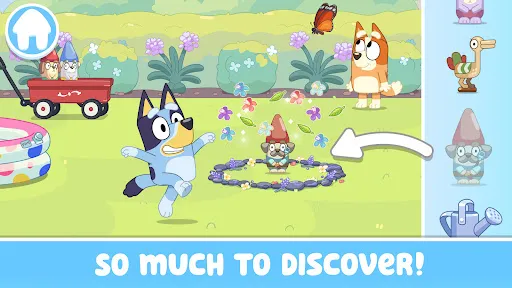
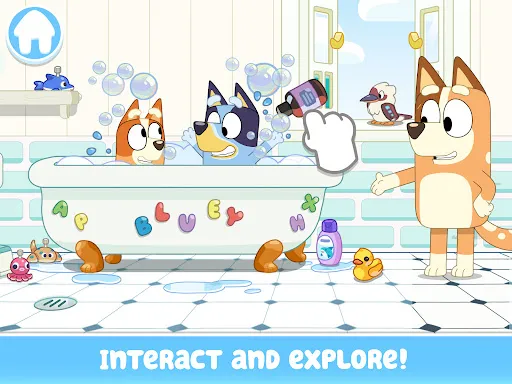
  • Bluey's Biggest Update Ever! Dress Up, Style Silly Hair & Barbecue!Discover 3 new amazing activities with Bluey! Play hairdressers, dress-up characters in fun outfits & grill fun foods!
Advertisement(PageType: detail | Position: pre2 )