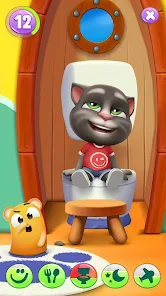
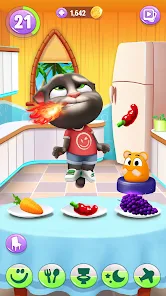
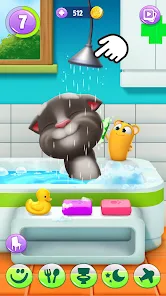
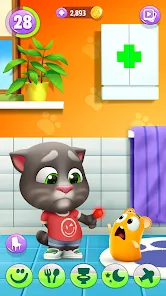
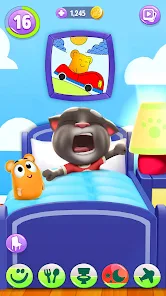
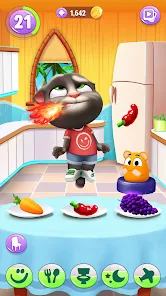
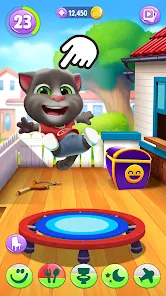
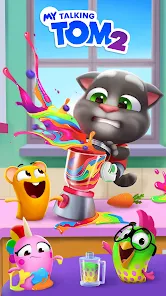
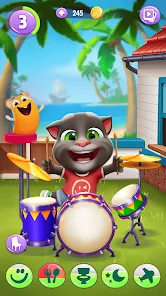
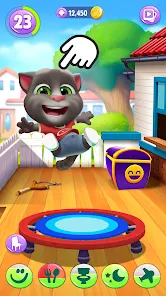
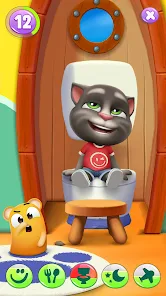
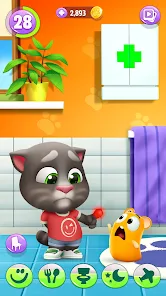
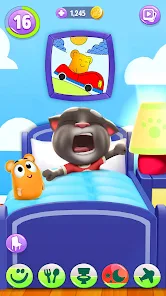
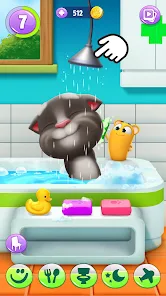
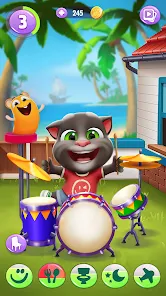
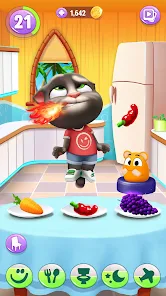
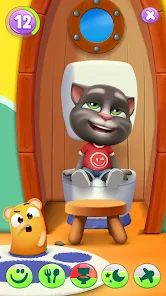
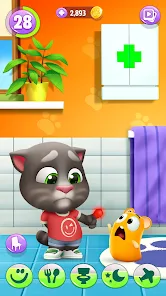
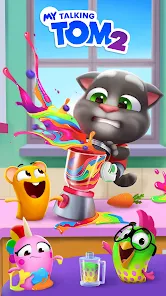
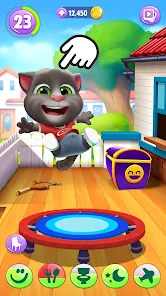
The My Talking Tom 2 mobile app has several exciting features that make it a hit among users. The app allows players to take care of their virtual pet, Tom, by feeding him, playing games with him, and decorating his home. Users can also dress up Tom in various outfits and customize his appearance. The app includes mini-games that provide entertainment and rewards for the player. Additionally, users can interact with Tom by talking to him and seeing his reactions.
The app also includes a feature that allows users to record videos of Tom and share them with friends. Furthermore, players can collect stickers and swap them with other players to complete their sticker album. The app regularly updates with new content to keep the gameplay fresh and exciting.
To use the My Talking Tom 2 mobile app, simply download and install it from the app store. Once the app is installed, open it and follow the on-screen instructions to set up your virtual pet, Tom. Players can interact with Tom by tapping on different objects within the game and speaking to him. Users can also feed Tom, play games with him, and decorate his home. The app is designed to be user-friendly and intuitive, making it easy for players of all ages to enjoy.
Pros of the My Talking Tom 2 mobile app include its engaging gameplay, cute graphics, and the ability to interact with a virtual pet. The app provides entertainment and relaxation for users of all ages. Additionally, the regular updates and new content keep the gameplay fresh and exciting.
Cons of the app may include the potential for in-app purchases, which could be a downside for some users. Additionally, the app may require a significant amount of storage space on the user's device. Some users may also find the gameplay repetitive after extended periods of play.
nice
it's a cute fun game it focus on tom
nice game
i play's in old i like this very much it so fun to play that I like it
nice but a bit hard when it comes to cooking
Review Source: Google Play store public user reviews.
Yes, players can submit suggestions or feedback through the app's support section or the developer's official website, where they often encourage community input.
Yes, My Talking Tom 2 may collect personal data in accordance with its privacy policy, which typically includes information such as device identifiers and usage data.
Yes, My Talking Tom 2 can be played offline, but some features may require an internet connection for full functionality, such as accessing certain mini-games or updates.
You can cancel your My Talking Tom 2 subscription through the settings of your app store account, following the cancellation process outlined by the respective platform.
The subscription cost for My Talking Tom 2 can vary based on the plan selected and the region, typically offering monthly or yearly options.
Unfortunately, customer numbers cannot be changed after activation. Please contact customer service for further assistance.
You can reach customer service through the in-game support option or by visiting our official website for assistance.
You can update your contact information by accessing your account settings and editing your details there.
You can activate your account by clicking the link sent to your email after registration.
To log in, open the app and enter your registered email and password on the login screen.

















 Home
 Apps
 Games
 Windows
 Topics
 Terms of Service
 Privacy & Policy
 About Us